

Motion Sensor Bulb and Motion Sensor Footlight, COMBO OFFER
Motion Sensor Bulb and Motion Sensor Footlight, COMBO OFFER
SKU:
Couldn't load pickup availability
Product Description
Upgrade your home with the ESYSENSE Smart Motion Sensor Lighting Combo, the perfect value pack for effortless, hands-free illumination. This set includes a 7W B22 Motion Sensor Bulb and a PIR Motion Sensor Footlight, both designed to save you money by automatically turning ON when you enter and OFF when you leave.
Tired of searching for switches in the dark? Our smart bulb delivers instant brightness, while the soft-glow footlight provides safe, guided path lighting for your late-night movements. It is an ideal, energy-saving upgrade for hallways, staircases, bedrooms, and washrooms.
Easy to install and built for daily convenience, this combo adds a modern, automated touch to your home while slashing your electricity waste. Buy now to simplify your life and save on your energy bills!
Why Choose ESYSENSE Smart Sensor Combo?
✔ Automatic Motion Detection
✔ Auto ON/OFF Smart Lighting
✔ Saves Electricity & Reduces Power Wastage
✔ Smart Night Lighting for Safer Movement
✔ Easy Installation with Standard Fittings
✔ Ideal for Bedrooms, Staircases & Hallways
✔ Modern Smart Home Lighting Solution
✔ Low Power Consumption with High Efficiency
✔ Perfect for Daily Indoor Applications
Technical Specifications
1 unit of 7W Motion Sensor Bulb
| Specification | Details |
|---|---|
| Product Name | Motion Sensor LED Bulb |
| Wattage | 7W |
| Base Type | B22 |
| Sensor Technology | Radar Motion Sensor |
| Function | Auto ON/OFF |
| Detection Angle | 360° |
| Detection Distance | Up to 9 Meter |
| Delay Time | Approx. 60 Seconds |
| Voltage | 220–270V AC |
| Installation Height | Up to 4 Meter |
| IP Rating | IP20 |
| Suitable Areas | Corridor, Balcony, Staircase, Utility Spaces |
1 unit of PIR Motion Sensor Footlight
| Specification | Details |
|---|---|
| Product Name | PIR Motion Sensor Footlight |
| Wattage | 3W |
| Sensor Technology | PIR Motion Sensor |
| Function | Auto ON/OFF |
| Lighting Output | Soft Ambient Glow |
| Mounting Type | Wall Mounted |
| Usage | Indoor / Semi-Indoor |
| Ideal For | Staircase, Bedroom, Hallway, Entrance |
| Energy Efficient | Yes |
| Smart Lighting Support | Yes |
Contact Support Team
+91 74283 89555 | +91 74283 81555
Register your Product
Register Warranty Terms of Serivce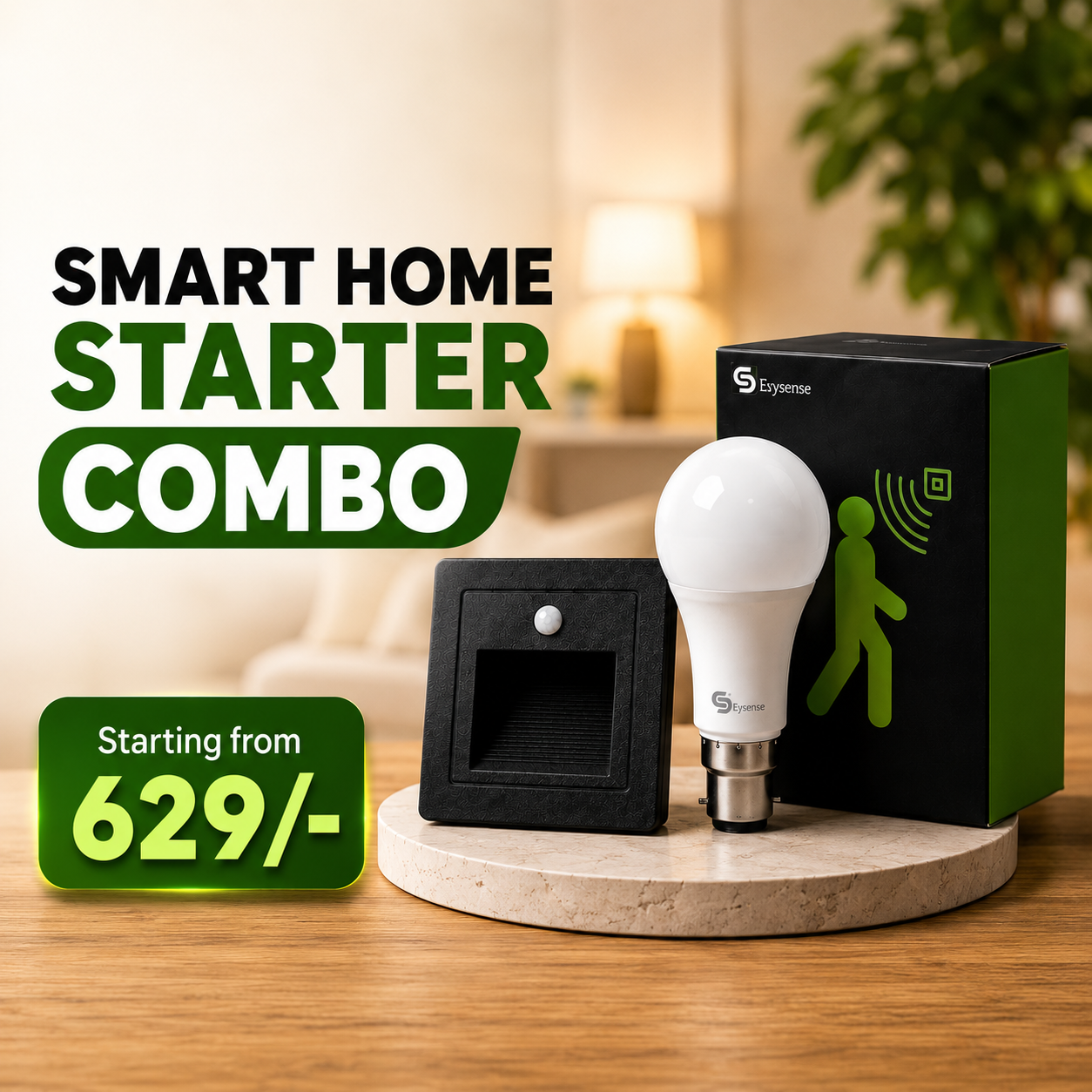
How it works!
- Choosing a selection results in a full page refresh.
- Opens in a new window.